
Setting up a typical subtitling project
Subtitling video generally involves a recurring set of steps. The list below walks you through a complete example workflow managed by a project manager using mainly manual tools and forms. This provides a good way of explaining the general steps, most of which are also involved when the project relies on automation/integration/APIs.
Creating the project
Under Projects,Projects, using the advanced or simple form, a project manager creates a new project, typically specifying:
- Source language
- Target language(s)
- This is also the time to select a "First" language, often English
- This language will be used to create the timed template which facilitates translation into the other languages
- Number of parts/episodes
- And any relevant individual specifications, such as running time, part name, etc
- Project deadline
- When is the whole project due
Simple project form
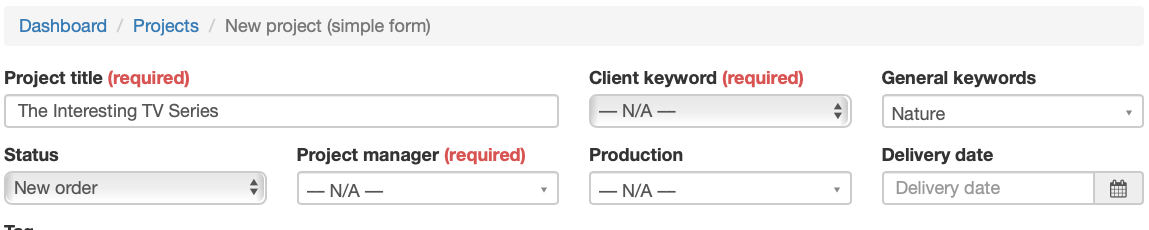
Specify parts information. (By updating the "Number of parts" value, you get additional lines.)

Select all target languages and specify which is "first".

Besides this data, there are numerous other fields that can be used to provide additional information.
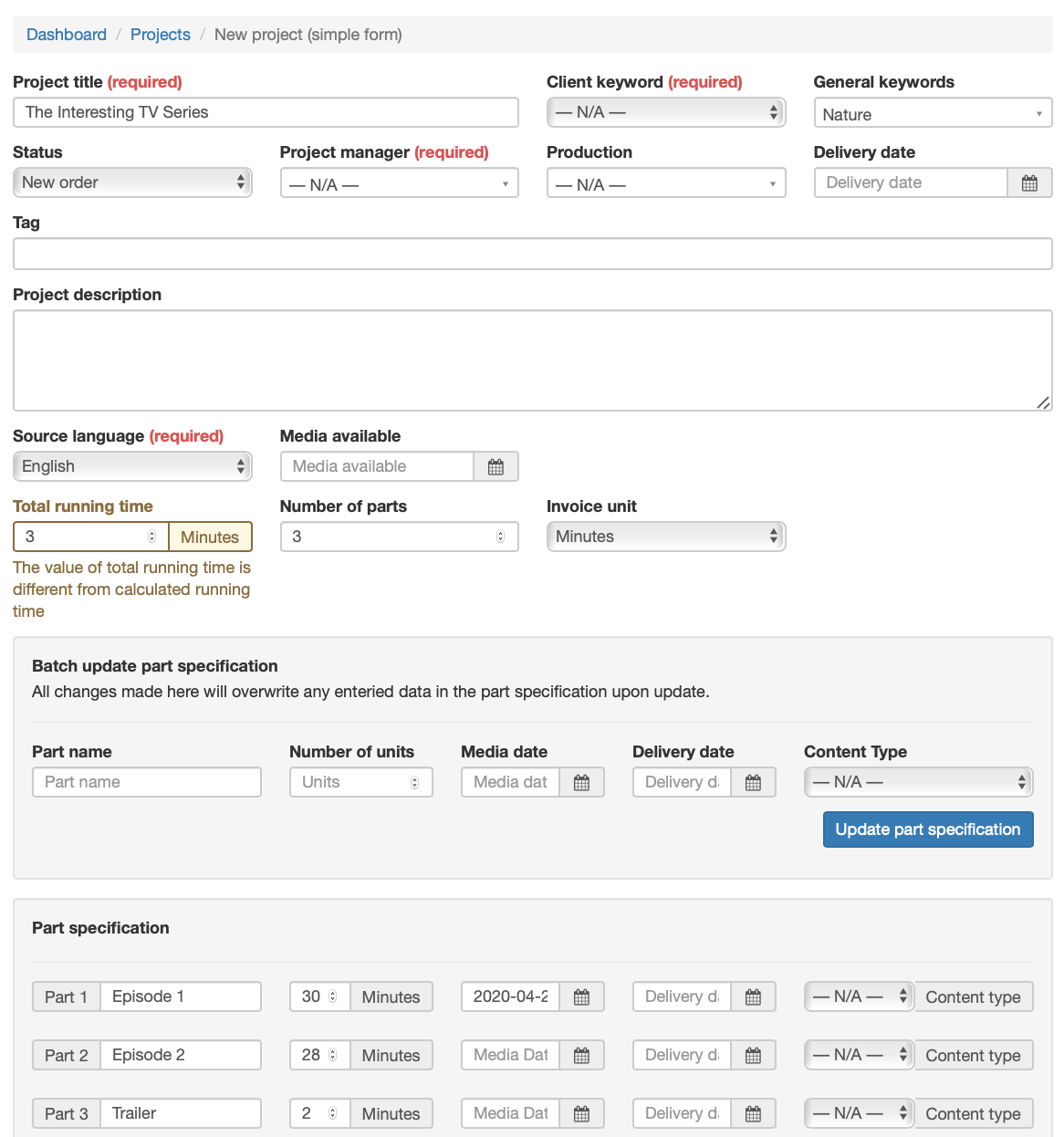
Select all target languages and specify which is "first".
Applying a joblist template
Once the project is in place, a joblist template is selected and applied to the project, creating the necessary jobs that need to be done in order to complete the project.
Click the "Job list" in the project bar of the newly created project.

On the joblist page, click "Template" and select a joblist template. (Generic example templates are included, but you would normally have a tailor-made template ready before this step.)
