
A typical subtitling project from A–Z
Subtitling video generally involves a recurring set of steps. The list below walks you through a complete example workflow managed by a project manager using mainly manual tools and forms. This provides a good way of explaining the general steps, most of which are also involved when the project relies on automation/integration/APIs.
Creating the project
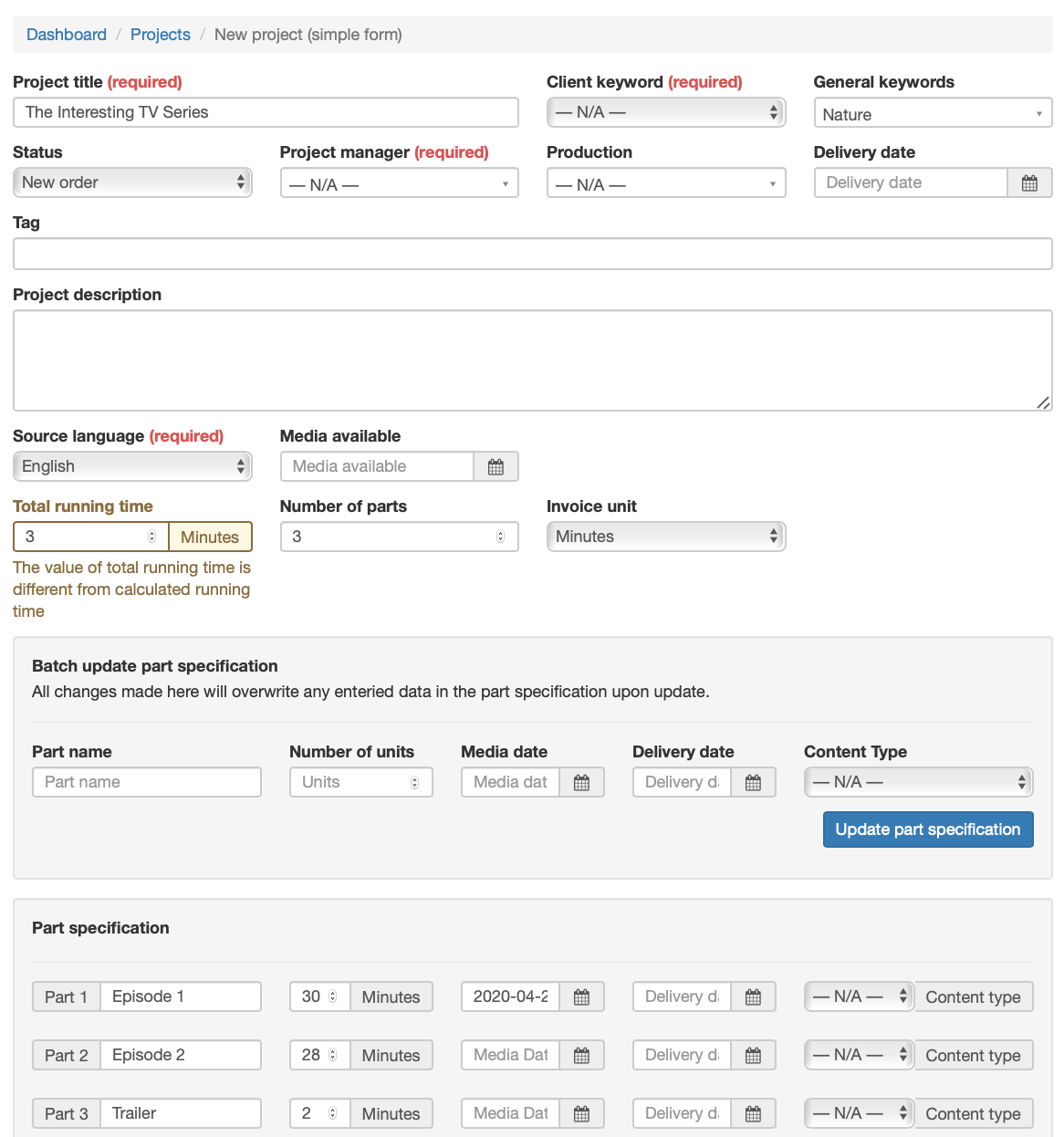
Under Projects, using the advanced or simple form, a project manager creates a new project, typically specifying:
- Source language
- Target language(s)
- This is also the time to select a "First" language, often English
- This language will be used to create the timed template which facilitates translation into the other languages
- Number of parts/episodes
- And any relevant individual specifications, such as running time, part name, etc
- Project deadline
- When is the whole project due
Besides this data, there are numerous other fields that can be used to provide additional information.
Applying a joblist template
Once the project is in place, a joblist template is selected and applied to the project, creating the necessary jobs that need to be done in order to complete the project.