2026-04-28
Highlights in this release
Additions to PM Overview
The PM Overview page keeps improving.
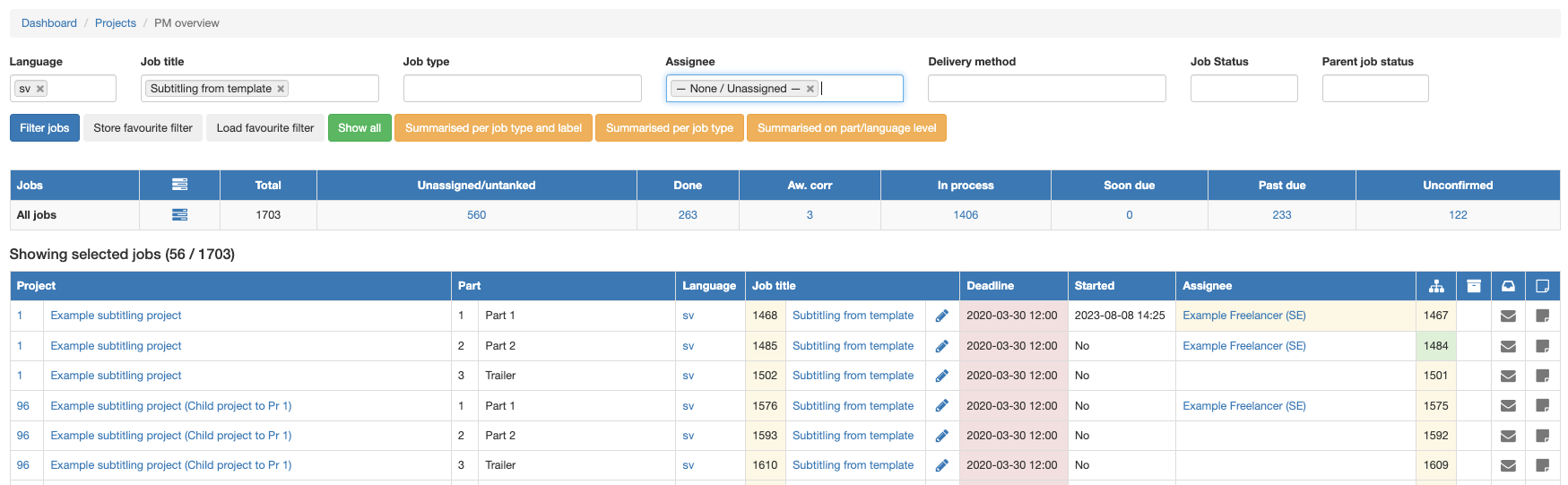
- Filter on Assignee: none
- Filter and group jobs on job type, regardless of label
- A stored favourite filter will be automatically reapplied when you return to this page
Better support for overlapping clips in Plint Subtitler (and showing annotations in timeline)
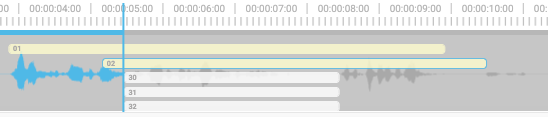
Whether they were added by mistake or by design (such as dub scripts), events that overlap in time are now far easier to work with in Plint Subtitler.
The height of the subtitles will be automatically adjusted to accomodate up to five events

After this, you can vertically scroll the timeline
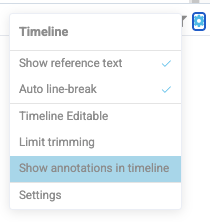
Showing annotations in timeline
When annotations are used for speaker labels, it helps to see them in the timeline. There is a new option for this.

Overlapping text in monitor
By default, text which overlaps will be shown in its selected position. This can lead to overlap.
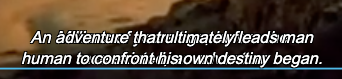
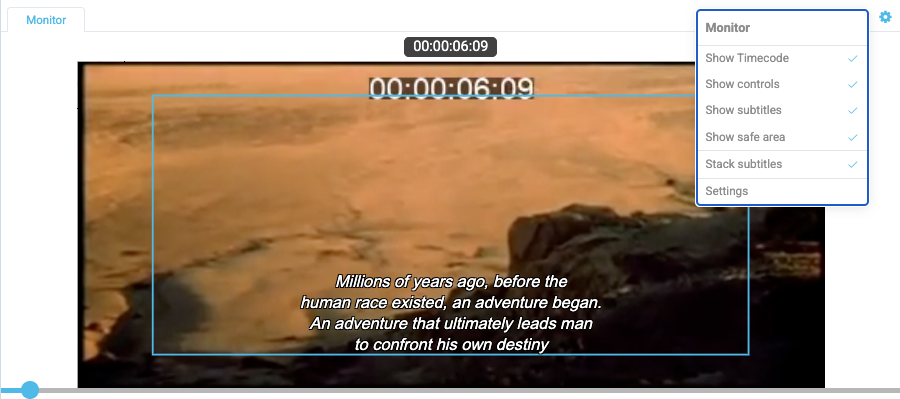
There is also a new option to "Stack subtitles" which can be helpful in certain cases.cases (again, dub scripts come to mind).