
Communicating about jobs
The Inbox in Plint holds Messages, Notes to self and Support cases created by you, or involving you. However, Notes and Messages can also be linked to specific jobs. This is done automatically when you reply to a job offer with a commentcomment, and when you add a "Comment to project manager" when completing a job.
This will start a message thread, which can be closed by either party at any time. Closing a Message thread or Note will simply change its status, removing it from the default view. It can still be found, and reopened if needed, by searching for Status: Closed.
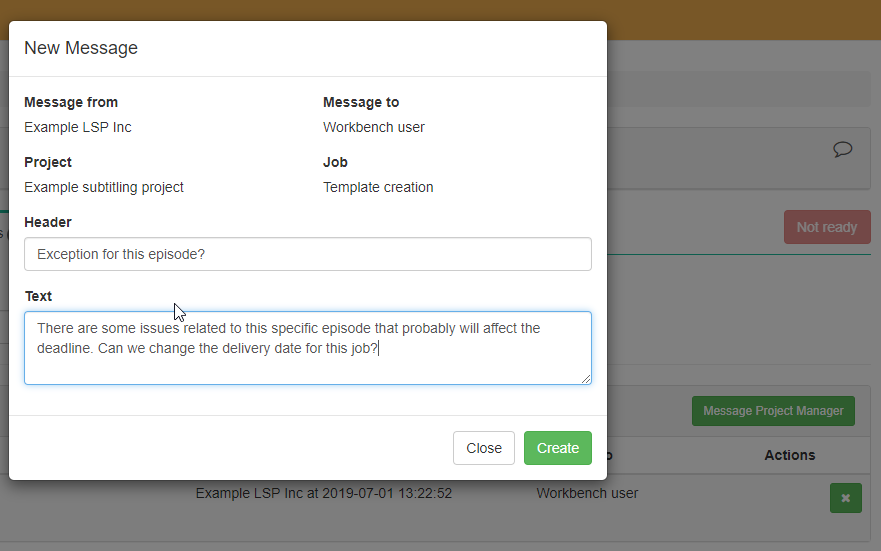
Additionally, you can alsoat any time initiate a conversation about a job with the Project manager at any time,manager, directly from the Messages tab of the job.
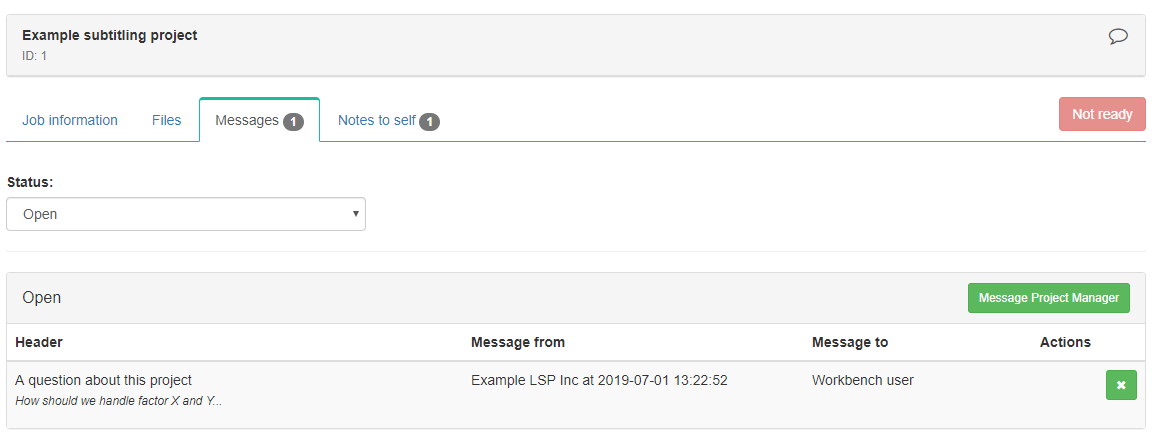
"Message Project Manager" window
Visibility
All Message threads involving you can be found in your Inbox. If they are also linked to a job, a shortcut to the info page for this job will be shown with the conversation.
Please note that when a Note or Message is linked to a job, it may be of interest to other administrators and project managers with access to the project. For this purpose, they may also have access to such conversations and info. Other resources/freelancers will not, however.